January 20th, 2026
New
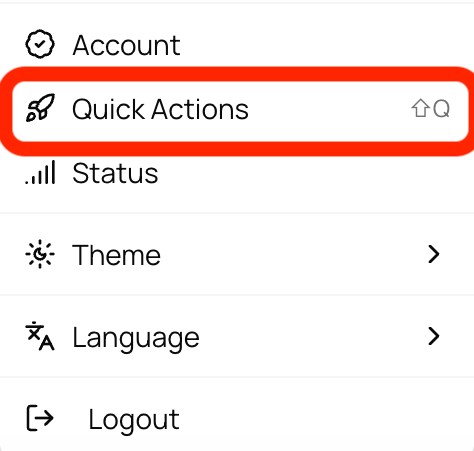
✨New: Quick Actions Menu
To help you access everything easily on 913.ai, we’ve introduced the Quick Actions Menu - a fast and easy way to search and access everything on the platform from one place. You can find features, chats, records, projects, folders, settings, help articles and updates, all without switching tabs or navigating through multiple menus.
You can open Quick Actions from Settings (bottom-left) or by simply pressing Shift + Q.
We’ve also added keyboard shortcuts for common actions like attaching a file (Cmd/Cntrl+Shift+U), New Session (Cmd/Ctrl + Shift + S) and for smoother navigation across menus (Contacts: Cmd/Cntrl+ 3). Simply hover over any menu or feature to see its available shortcut alongside its name in the label.
Try Quick Actions today to move faster, discover more, and never miss anything on 913.ai. 🚀